Getting audio off DAT tapes: drives, errors, sample rates and digital capture
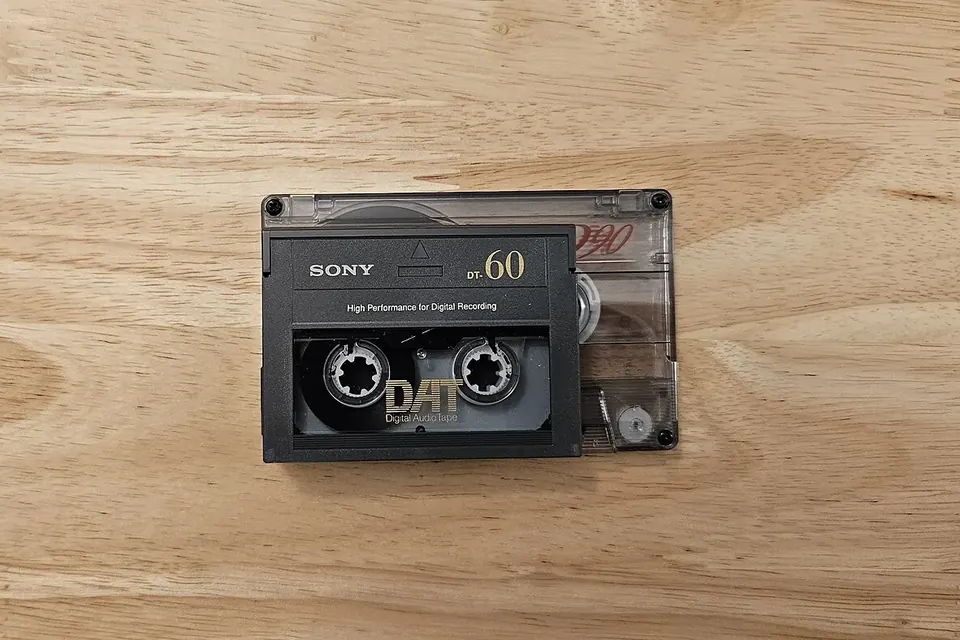
A DAT cassette on top of a Compact Cassette. The tape inside is 3.81 mm wide and read by a spinning drum, like a video recorder. Photo: Inpriva, Wikimedia Commons, CC0 1.0.

DAT already stores audio as numbers, so a transfer can in principle be perfect: the same samples, copied unchanged into a file. In practice the difficulty is mechanical. The tapes are thin, the drives are old and parts are scarce, and a DAT failure tends to be sudden rather than gradual.
Why DAT needs attention now
Digital Audio Tape was sold from the late 1980s and became a studio, broadcast and field-recording workhorse through the 1990s. Many sessions, interviews, radio programmes and live recordings exist only on DAT. Unlike analogue tape, which loses quality slowly, a digital tape plays perfectly until the errors exceed what the machine can correct, and then it mutes, clicks or stops. The CLIR guide to magnetic tape notes that digitally recorded tape tends to show little deterioration before failure. That is the strongest argument for copying DATs while they still play.
Choose and check the machine
DAT uses a rotating head drum with very small heads. When buying or borrowing a deck, the questions are:
- Does it have a digital output? Coaxial or optical S/PDIF on consumer and many semi-professional machines, AES3 (XLR) on professional ones. Without a digital output you lose the main advantage of DAT.
- What are the drum hours? Many professional decks show head-drum running time in a service menu. The service manual explains how to read it.
- Does it play your tapes? Test with an unimportant DAT first, including fast wind and stop. Listen for dropouts and watch the error indicator if the deck has one.
- Is the mechanism clean? Pinch roller and guides should not be sticky. Old decks often need new belts or pinch rollers; a deck that chews tape must not be used on originals.
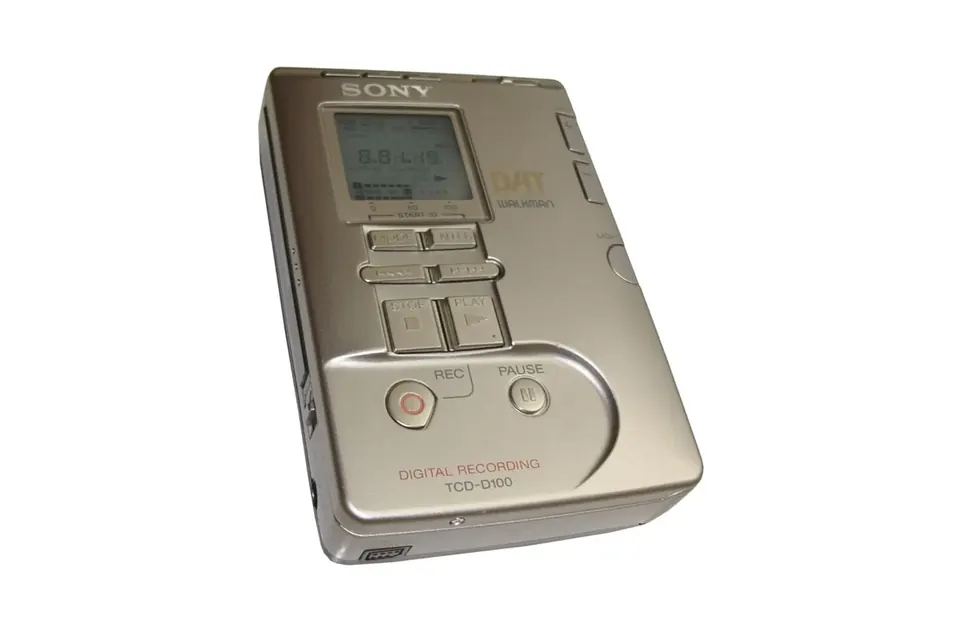
Portable recorders such as Sony's TCD-D series were widely used for field recording and can be handy players, but small mechanisms are delicate. If a recording was made on one specific machine with a head alignment problem, the same machine sometimes plays it better than any other. Keep that in mind before selling the original recorder.
Cleaning and head clogs
A sudden burst of mutes or loud digital noise on a tape that played well a minute ago often means a clogged head: a particle of oxide on one of the tiny heads. Manufacturers sold cleaning cassettes for this, to be used sparingly and exactly as instructed, because they are abrasive. Do not try to scrub a DAT drum with a swab unless the service manual says how; the heads are fragile and the drum is easily damaged. Repeated clogging on one tape suggests the tape itself is shedding, and is a reason to stop and seek specialist help.
Sample rates and long-play mode
Consumer DAT decks commonly offer three sampling frequencies, and a transfer should keep whichever one the tape was recorded at:
| Rate | Typical use | Notes |
|---|---|---|
| 48 kHz | Standard mode for recordings from analogue or digital inputs | 16-bit linear; the usual DAT rate |
| 44.1 kHz | CD-related material and prerecorded tapes | Some early consumer machines could play but not record at this rate |
| 32 kHz | Long-play (LP) mode on machines that support it | Reduced resolution in exchange for double running time |
A tape recorded in long-play mode needs a deck that supports LP playback. Some professional machines also offered other modes; the deck's manual and the tape's label are the authority here. Archives such as Michigan State University Libraries keep digital-source transfers at their native sample rate and bit depth rather than converting them, which avoids an unnecessary resampling step.
Capturing the digital stream
Connect the deck's digital output to the matching digital input of an audio interface or a computer sound card: coaxial S/PDIF to coaxial, optical to optical, AES3 to AES3. Simple converters exist between coaxial and optical S/PDIF. AES3 and S/PDIF use the same basic data format but different electrical levels, so use a proper converter between them rather than an adapter cable.
- Set the interface to follow the incoming clock (often called "external" or "S/PDIF" sync) so it runs at the tape's rate.
- Set the recording software to the same sample rate and to at least 24 bits; 16-bit samples fit inside a 24-bit file unchanged.
- Turn off any sample-rate conversion, dithering, normalising or "enhancement" in the interface driver and the software.
- Record a whole tape side as one file, then split it later.
Consumer machines used the Serial Copy Management System (SCMS), a flag in the digital stream meant to limit copies of copies. It can stop a second consumer DAT deck from recording, but most computer interfaces ignore it. It does not change the audio.
Check the copy
A bit-perfect chain is easy to test. Play a short digital-silence or test tone recording and check in your editor that the file contains exactly what was sent, or compare two separate captures of the same passage: in a clean chain they should be identical once aligned. Then listen to the whole transfer at least once, noting the time of any click, mute or interpolated passage the deck may have concealed.
When the tape is damaged
Error correction on DAT can repair small dropouts invisibly and conceal larger ones by interpolating, which you may hear as a dull spot or a click. If a passage repeatedly fails, try another deck, since mechanical alignment varies. Never splice a DAT the way you would splice analogue tape. Wrinkled or creased tape, tape that has come off the reels inside the shell and tapes stored in heat or damp are cases for a specialist transfer service with several machines and the means to rehouse the tape.
After the transfer
Name and document each file with the tape label, sample rate, deck used and any problems heard, then follow the backup routine in our home archive overview. Keep the original DAT, stored upright, cool and dry, as the Library of Congress recommends for magnetic media.
Sources
- IASA, IASA-TC 04, Guidelines on the Production and Preservation of Digital Audio Objects, 2nd edition, 2009.
- Michigan State University Libraries, Media preservation capture specifications.
- John W. C. Van Bogart, Magnetic Tape Storage and Handling, CLIR, 1995.
- Sound On Sound, review of the Sony PCM-R300 DAT recorder (modes, SCMS settings).
- Library of Congress, Care, Handling, and Storage of Audio Visual Materials.
 Recording & transfer
Reel-to-reel and cassette to digital
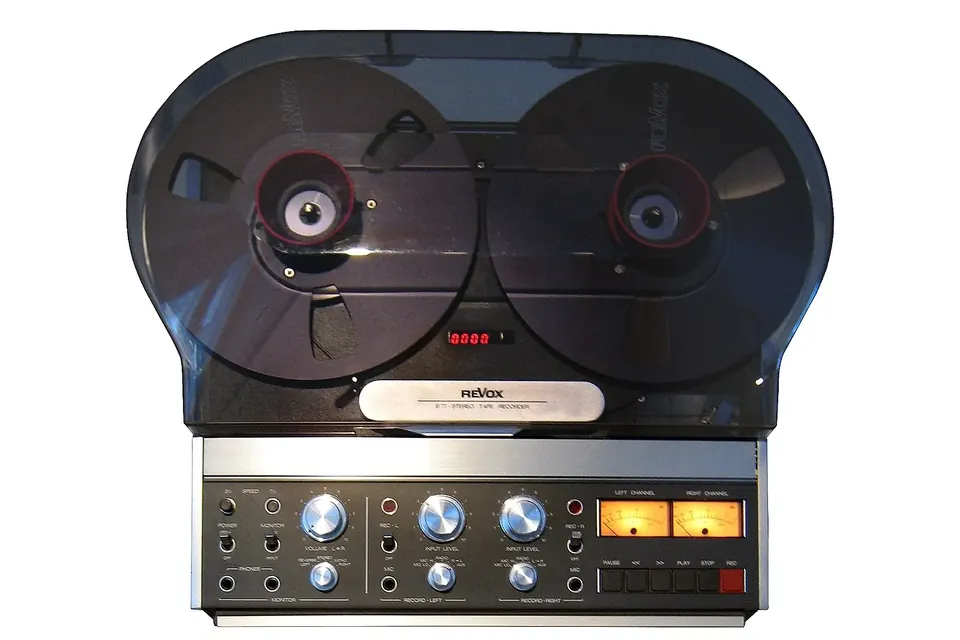
Check the tape first, set azimuth by ear, decode noise reduction correctly, capture at 24 bits.
 Recording & transfer
MiniDisc to digital
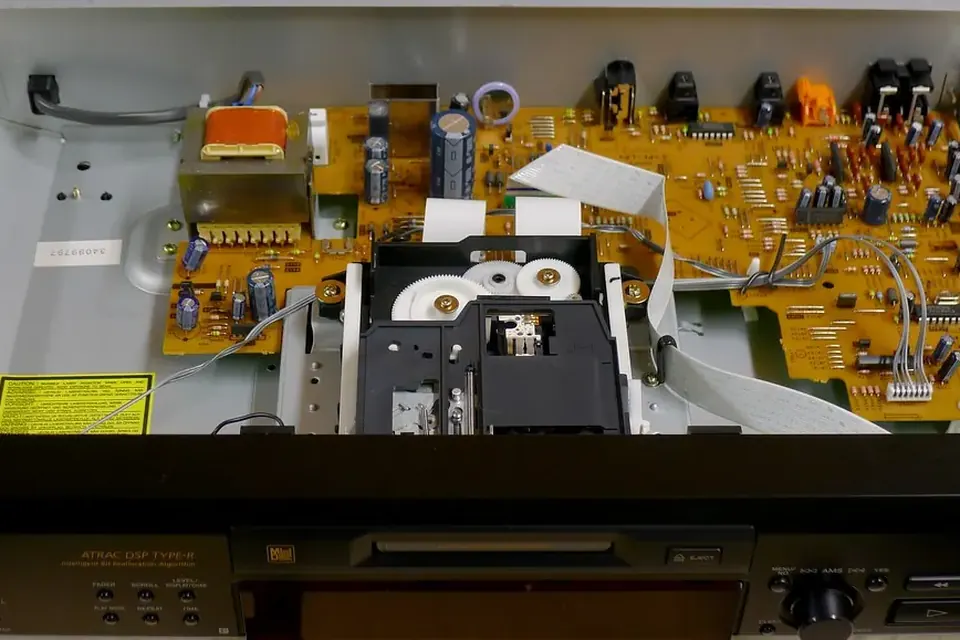
SP or MDLP, NetMD or Hi-MD, USB upload or real-time optical capture: which route fits your discs.
 Recording & transfer
Digitising a home music archive
Sort, prioritise, capture once, name it well, keep three copies. The plan behind every transfer guide.