Transferring reel-to-reel and cassette tapes to digital: a careful method
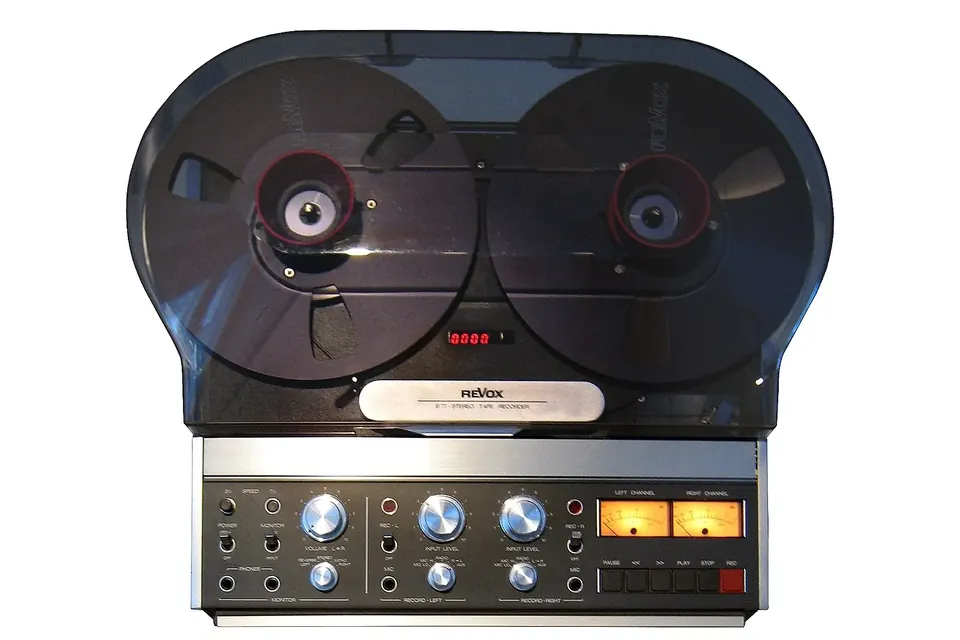
A Revox B77, a common two-track and quarter-track home machine from the late 1970s and 1980s. Photo: touhotus, Wikimedia Commons, CC BY 2.0.
.jpg)
Magnetic tape is forgiving until it is not. Most home reels and cassettes still play, but the first pass after decades on a shelf is the one most likely to damage them. A good transfer is mostly preparation: knowing what is on the tape, making sure the machine will not hurt it, and then capturing it once, properly.
Before you press play: look at the tape
Take the tape out of its box and read everything written on it: speed, track format, date, the brand and type of tape, and any mention of Dolby or dbx. On open reels, look at the pack. A smooth, even wind is good news; a "popped" or stepped pack, edges that look scalloped, or tape that has slipped off the hub means the reel needs gentle rewinding on a machine you trust before anything else.
Then check three warning signs:
- Smell and residue. A vinegar smell points to an acetate-based tape (common on older reels) that is breaking down. Acetate tape tends to become brittle and to curl, and it can snap at splices.
- Squeal and shedding. If a polyester-based tape squeals, judders or leaves a brown, gummy deposit on the heads and guides within seconds, stop. This is the classic sign of binder hydrolysis, usually called sticky-shed syndrome: the binder that holds the oxide to the base has absorbed moisture and softened.
- Mould. White or grey fuzz on the edges of the pack. Mould spores are a health hazard as well as a playback hazard; such tapes are best left to a specialist.
The Library of Congress advises letting tapes that have been stored somewhere cool reach room temperature before they are played, and handling reels by the hub and flanges rather than by squeezing the flanges together.
Sticky-shed tapes and "baking"
Sticky shed is mainly associated with certain polyester-based tapes made from the 1970s onwards. The usual rescue is to heat the tape gently for many hours to drive moisture out of the binder, so that it can be played and copied. The effect is temporary, so the copy should be made soon after treatment.
There is no single recipe. A Sound On Sound account of a professional recovery reports settings of roughly 50 to 55 °C for 12 to 24 hours in a precisely regulated incubator, and warns that domestic ovens do not hold such low temperatures reliably; archivists on preservation mailing lists report needing much longer in some cases, and some caution that repeated treatment harms the tape. What everyone agrees on:
- Only treat tape you have identified as polyester with a binder problem. Do not heat acetate tape.
- Use equipment that holds a low, stable temperature, never a microwave and never direct contact with a heating element.
- Let the tape cool fully, then transfer it in one pass.
- If the recording matters and you are unsure, send it to a specialist rather than experimenting on the only copy.
Match the machine to the tape
A tape must be played on a machine with the right track format and speed, and ideally the right playback equalisation.
| Format | What it means | What to watch |
|---|---|---|
| Full-track mono | One track across the whole width of quarter-inch tape | Play on a full-track head, or on a half-track head and sum carefully |
| Half-track (two-track) | Two tracks, used either as stereo in one direction or as two mono passes | Check whether both tracks run the same way |
| Quarter-track stereo | Four tracks: stereo pairs in each direction, the common home format | A half-track head will play both directions at once, one of them backwards |
| Compact Cassette | Four tracks on narrow tape, stereo in each direction | Tape type sets the playback equalisation (120 µs for Type I, 70 µs for Types II and IV) |
Open-reel home speeds are usually 1⅞, 3¾ or 7½ inches per second, with 15 ips on professional machines. Open-reel equalisation also differs between the NAB standard (common in North America and Japan) and the IEC/CCIR curve (common in Europe); playing one on a machine set for the other changes the tonal balance. If the label is silent, listen: chipmunk-like or slurred voices mean the wrong speed.
Prepare the deck
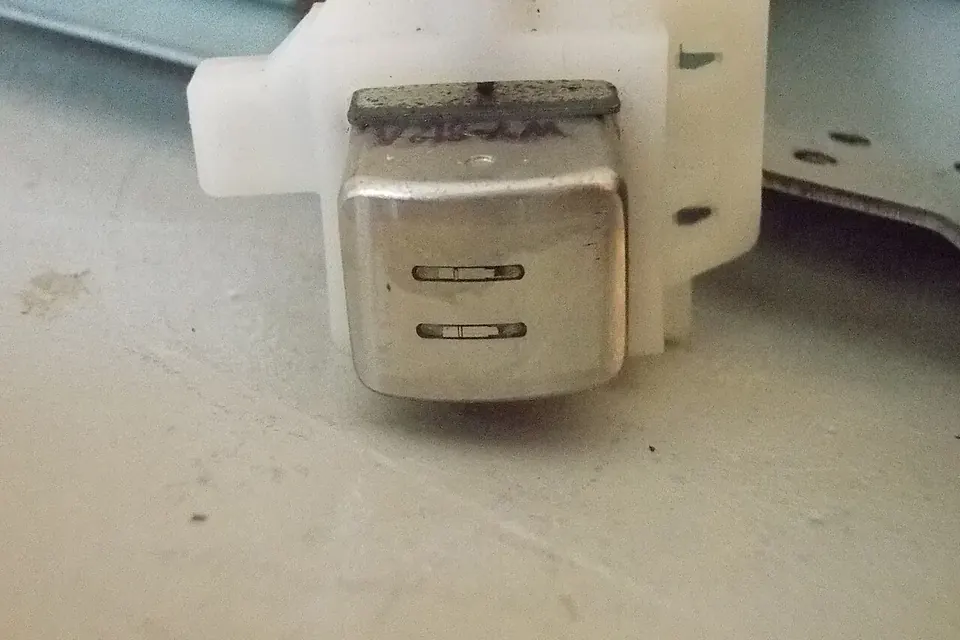
A deck that has not been serviced can eat a tape. Run a tape you do not care about first: the transport should start, stop and wind without snatching or spilling tape.
- Clean the tape path. Heads, guides, capstan and pinch roller, with cotton swabs and isopropyl alcohol, unless the deck's service manual specifies something else for the rubber parts. Repeat after each sticky or dirty tape.
- Demagnetise the heads with a proper head demagnetiser, with the deck switched off, following the demagnetiser's instructions. A magnetised head can slowly erase high frequencies from every tape played on it.
- Replace hardened rubber. A glazed or cracked pinch roller and stretched belts cause wow and flutter and uneven speed. See our repair guide.
Azimuth: the adjustment that matters most
Azimuth is the angle of the head gap relative to the tape. If the playback head is not at the same angle as the head that made the recording, high frequencies fall away and stereo channels drift out of phase. Cassettes recorded on other machines are especially prone to this.
On many decks the playback head has an azimuth screw. Professional practice is to align to a reference tape; for an unknown home recording, the practical method is to play a section with plenty of treble, sum the channels to mono in your software or on a mixer, and turn the screw slowly for the brightest, fullest sound. Mark the original position first and go back to it afterwards. If you are not comfortable working near the heads, leave azimuth alone and note it in your log.
Noise reduction: decode only what was encoded
Dolby B, C and S and dbx were used on many cassettes and some reels. A tape recorded with noise reduction sounds bright and "breathy" when played without decoding; a tape played through a decoder it was not recorded with sounds dull and pumps. Use the label, the deck it came from and your ears. Decoding only works properly when playback level and azimuth are right, so set those first. Some archives keep both an undecoded and a decoded capture; whatever you decide, write it down.
Capture settings
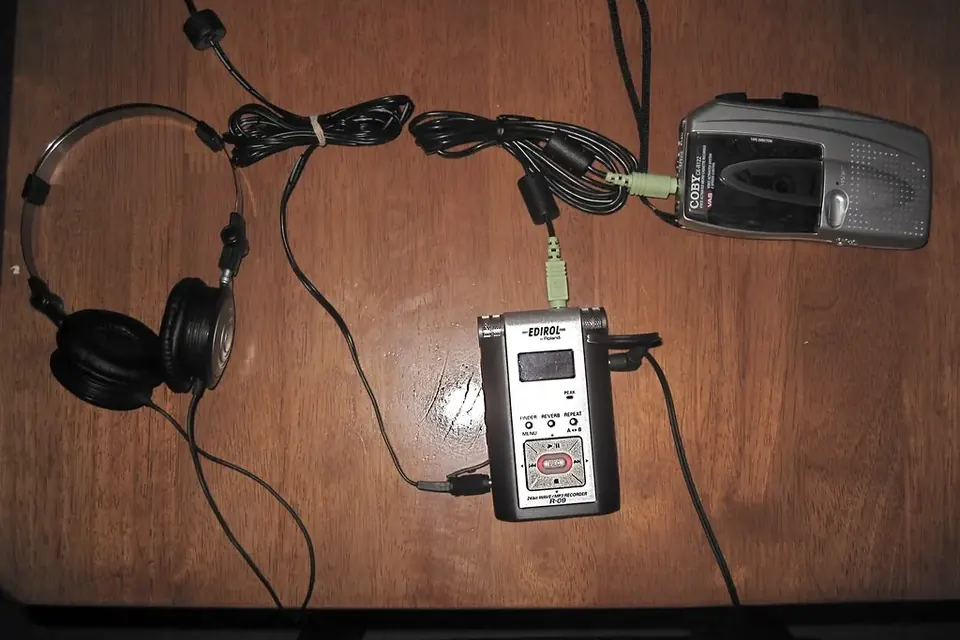
Connect the deck's line output to the line input of an audio interface (not a microphone input, and not a computer's built-in jack if you can avoid it). Record a few test passes and set the input gain so the loudest passages stay comfortably below digital full scale; analogue tape has no hard ceiling, but your converter does.
- Resolution. IASA's guidelines (TC-04) recommend a minimum of 48 kHz and 24 bits for preservation copies; the U.S. National Archives makes its audio preservation masters at 96 kHz and 24 bits.
- File format. Uncompressed WAV or Broadcast WAVE for the master; FLAC is a lossless alternative documented by the Library of Congress. Make MP3 or AAC copies only for listening.
- Keep the master untouched. No noise removal, no normalising, no trimming beyond silence at the ends. Do restoration on a copy.
- Capture whole sides. Split into tracks afterwards, so nothing is lost between songs.
Finish by naming files consistently, writing down what you did (deck, speed, noise reduction, azimuth changes) and keeping at least two copies on different media. The archive overview covers naming, metadata and backups in more detail.
Sources
- International Association of Sound and Audiovisual Archives, IASA-TC 04, Guidelines on the Production and Preservation of Digital Audio Objects, 2nd edition, 2009.
- Library of Congress, Care, Handling, and Storage of Audio Visual Materials.
- John W. C. Van Bogart, Magnetic Tape Storage and Handling: A Guide for Libraries and Archives, CLIR / National Media Laboratory, 1995.
- U.S. National Archives, Audio preservation products (specifications).
- Sound On Sound, Salvaging an archive tape recording.
- Library of Congress, Sustainability of Digital Formats: Broadcast WAVE and FLAC.
 Recording & transfer
Digitising a home music archive
Sort, prioritise, capture once, name it well, keep three copies. The plan behind every transfer guide.
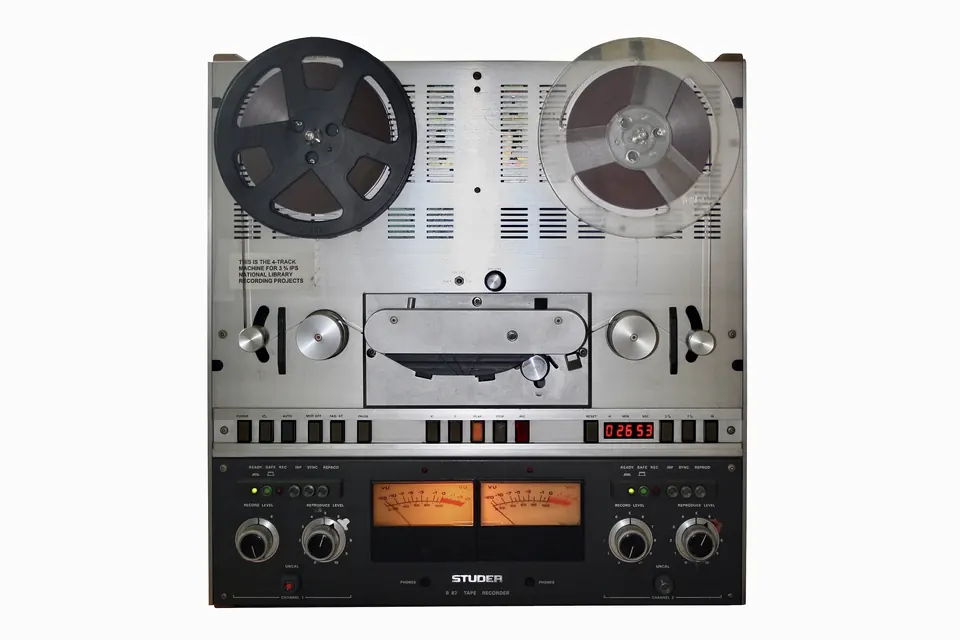
Buying a reel-to-reel deck
Track format, head wear, pinch roller, brakes and tension: a checklist before you pay.
 Recording & transfer
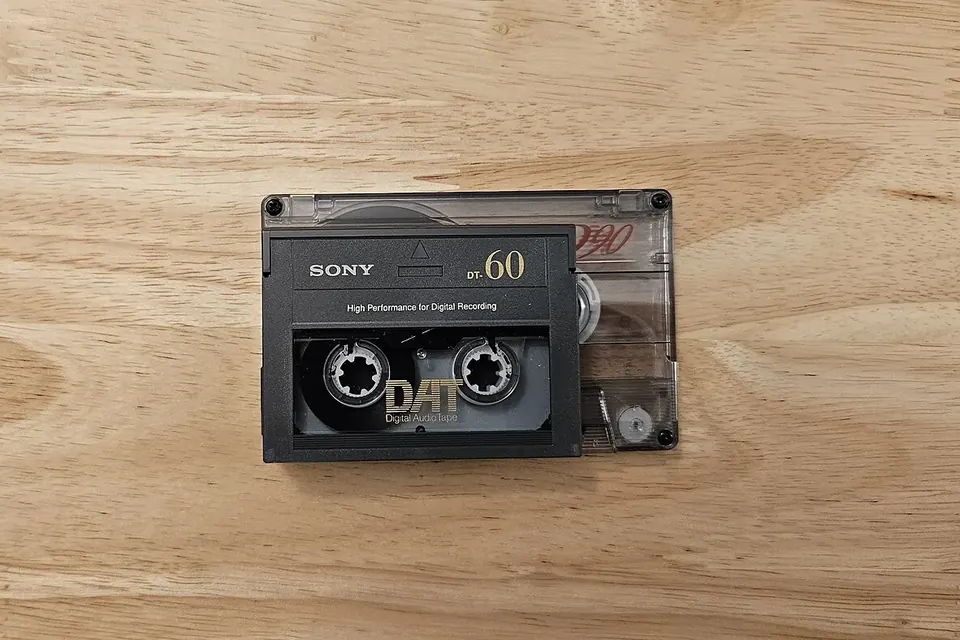
Getting audio off DAT tapes
A healthy deck, a digital output, the native sample rate, and a check for errors.