Digitising a home music archive: formats, files, metadata and backups
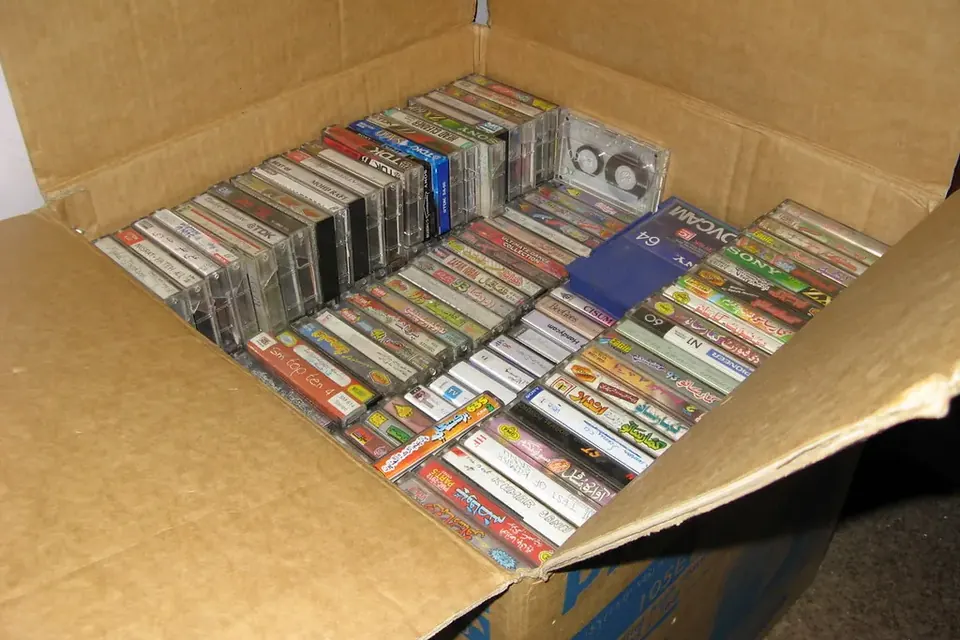
A typical starting point: a box of home-recorded cassettes, some labelled, some not. Photo: Asim Bijarani, Flickr via Openverse, CC BY 2.0.
Most home audio archives are a mix: reels inherited from a parent, cassettes from school concerts, a few DATs or MiniDiscs from a band, and shelves of records. Digitising them is less about clever software than about a routine you can keep up: decide what matters, capture it once at good quality, describe it, and store it so it survives the next computer.
Step 1: make an inventory
Before transferring anything, list what you have. A spreadsheet is enough: one row per item, with a number you also write on the box, the format, what the label says, its condition and its priority. The numbering is what will tie the physical item to the digital file for the rest of its life.
While you are at it, set aside anything that smells of vinegar, has visible mould, is physically broken or squeals when played. Those need special handling, described in the tape transfer guide.
Step 2: decide what goes first
Preservation archives prioritise by two questions: how unique is the content, and how much at risk is the carrier? Commercial records and prerecorded cassettes can often be replaced; a one-off recording of a grandparent's voice cannot. Among carriers, the ones that depend on scarce playback machines deserve attention early.
| Carrier | Main risk | Guide |
|---|---|---|
| Open-reel tape | Binder breakdown (sticky shed), brittle acetate base, unknown track format and speed | Reel and cassette |
| Compact Cassette | Worn or misaligned players, stretched tape, noise reduction decoding | Reel and cassette |
| DAT | Sudden failure of tape or drive; scarce working decks | DAT guide |
| MiniDisc | Restricted digital upload, ageing recorders | MiniDisc guide |
| Vinyl records | Wear and dirt; mostly stable if stored well | Clean, then capture through a good phono stage |
| Recordable CDs | Unreadable discs as the dye layer ages | Rip with error-checking software and compare |
Step 3: two kinds of file
Archives distinguish the preservation master, which is as faithful to the original as possible and is never edited, from access copies, which are made for listening and can be cleaned up, split and compressed.
- Analogue sources (tape, records): IASA's TC-04 guidelines recommend at least 48 kHz and 24 bits for preservation; the U.S. National Archives uses 96 kHz and 24 bits for its audio masters.
- Digital sources (DAT, MiniDisc, CD): keep the native sample rate and bit depth, captured digitally where possible.
- File format: WAV or Broadcast WAVE (BWF), which the Library of Congress documents as a widely supported preservation format, or FLAC, a lossless compressed format that saves space and carries tags well.
- Access copies: MP3, AAC or Opus files made from the master, at whatever quality suits your devices.
Step 4: names and metadata
A file called Track 01.wav means nothing in ten years. Pick a naming pattern and stick to it, for example CAP-0042_A_1983-07_school-concert.wav: inventory number, side, date if known, a short description. Avoid spaces and special characters so the name survives any operating system.
Then record what you know, either in tags inside the file (BWF has fields for a description and the originator, and FLAC uses free-form tags) or in a plain text file saved alongside it. Useful fields:
- What it is: performers, event, place, date, as written on the original.
- The carrier: format, tape type, speed, track format, noise reduction.
- The transfer: player and interface used, settings, date, who did it.
- Problems heard: dropouts, speed changes, damage, and where they are.
The U.S. Federal Agencies Digital Guidelines Initiative (FADGI) publishes guidance on embedding such metadata in Broadcast WAVE files, which is worth reading if your archive is large.
Step 5: the equipment you actually need
A computer, a decent audio interface with line inputs and, for DAT or MiniDisc, a digital (S/PDIF or optical) input. Free editors can record and split files. The players matter far more than the interface: a well-serviced deck with clean heads makes a bigger difference than any converter upgrade. If you are buying a player for the job, read what to check on a used reel-to-reel or our general buyer's guide.
Step 6: keep three copies
Digital files are only as safe as their storage. A common rule among archivists and photographers is three copies on at least two kinds of storage, with one copy somewhere else (another building or a cloud service). Check the copies from time to time: some programs can create checksums, short fingerprints of each file, so you can confirm later that nothing has changed. Move the collection to new drives every few years, before the old ones fail rather than after.
Keep the originals
The Library of Congress recommends storing magnetic tape cool, dry and upright, away from heat, light and strong magnetic fields. Even after a careful transfer, the original may one day be played on a better machine or with better techniques.
A realistic pace
Real-time formats take real time: an hour-long cassette takes at least an hour to capture, plus setup, checking and naming. Working through a collection in small batches, and finishing each batch completely, from capture to backup, avoids a hard drive full of unnamed files.
When to use a specialist
Hire a professional transfer studio, or ask a local archive for advice, when the content is irreplaceable and the carrier is in poor condition, when the format is rare (wire, lacquer discs, early digital formats), or when there is simply too much of it. A good specialist will tell you what equipment they will use and give you preservation files, not only MP3s.
Sources
- IASA, IASA-TC 04, Guidelines on the Production and Preservation of Digital Audio Objects, 2nd edition, 2009.
- U.S. National Archives, Audio preservation products.
- Library of Congress, Sustainability of Digital Formats: WAVE, Broadcast WAVE, FLAC.
- Federal Agencies Digital Guidelines Initiative, Audio-visual guidelines.
- Library of Congress, Care, Handling, and Storage of Audio Visual Materials.
- Michigan State University Libraries, Media preservation capture specifications.
 Recording & transfer
Reel-to-reel and cassette to digital
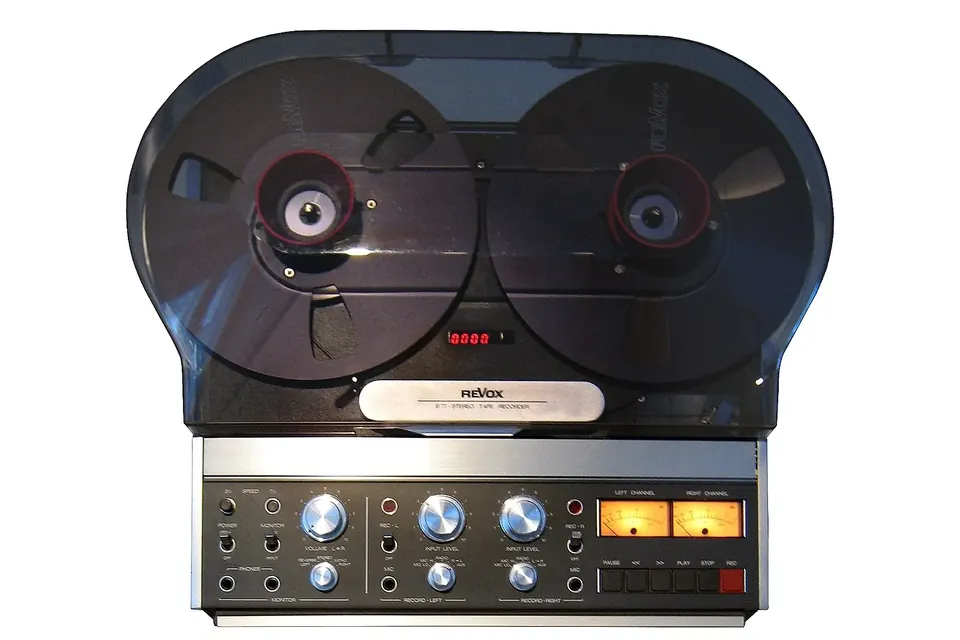
Check the tape first, set azimuth by ear, decode noise reduction correctly, capture at 24 bits.
 Recording & transfer
Getting audio off DAT tapes
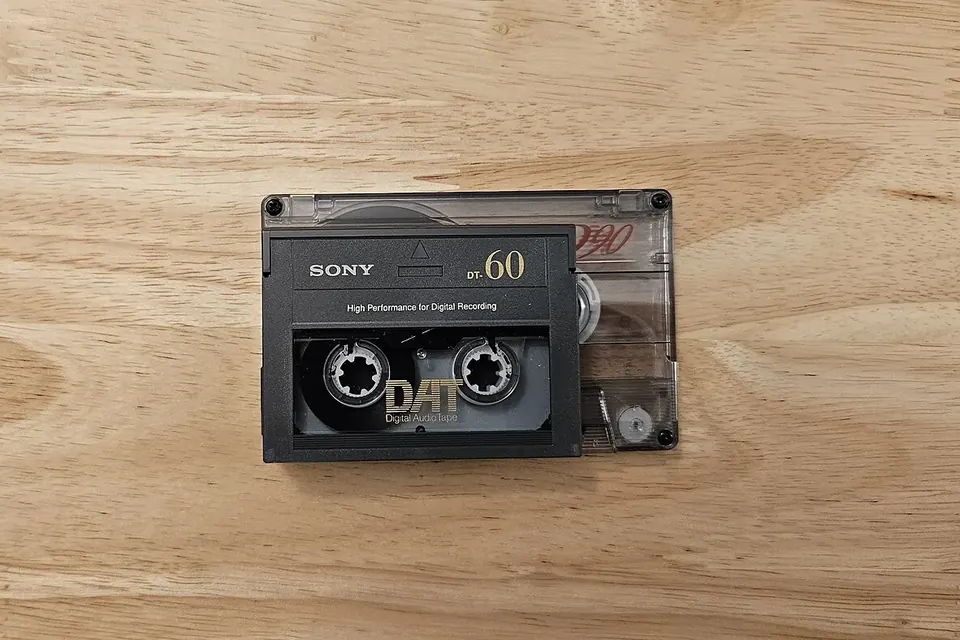
A healthy deck, a digital output, the native sample rate, and a check for errors.
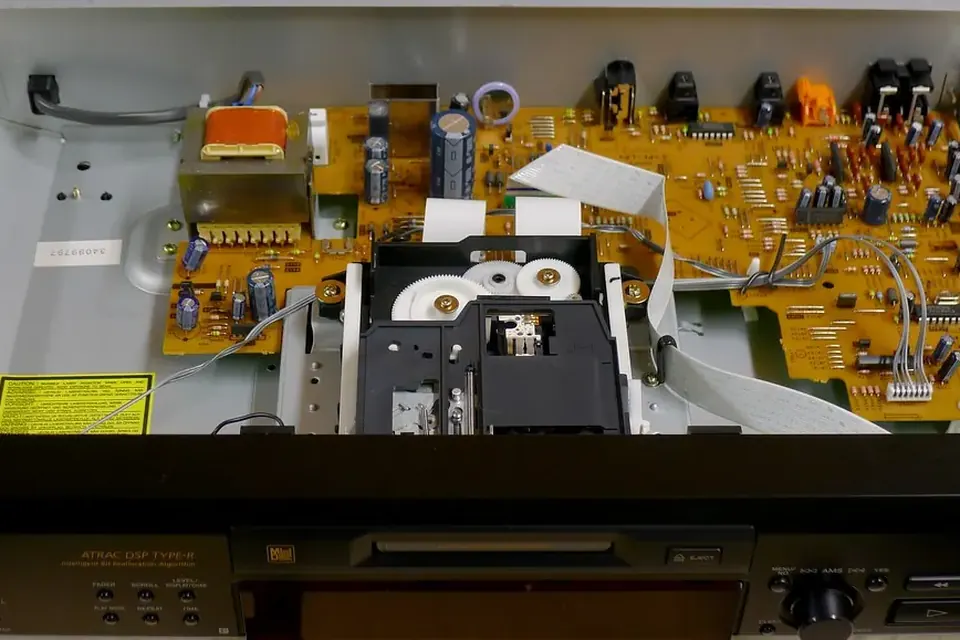 Recording & transfer
MiniDisc to digital
SP or MDLP, NetMD or Hi-MD, USB upload or real-time optical capture: which route fits your discs.